 Andrew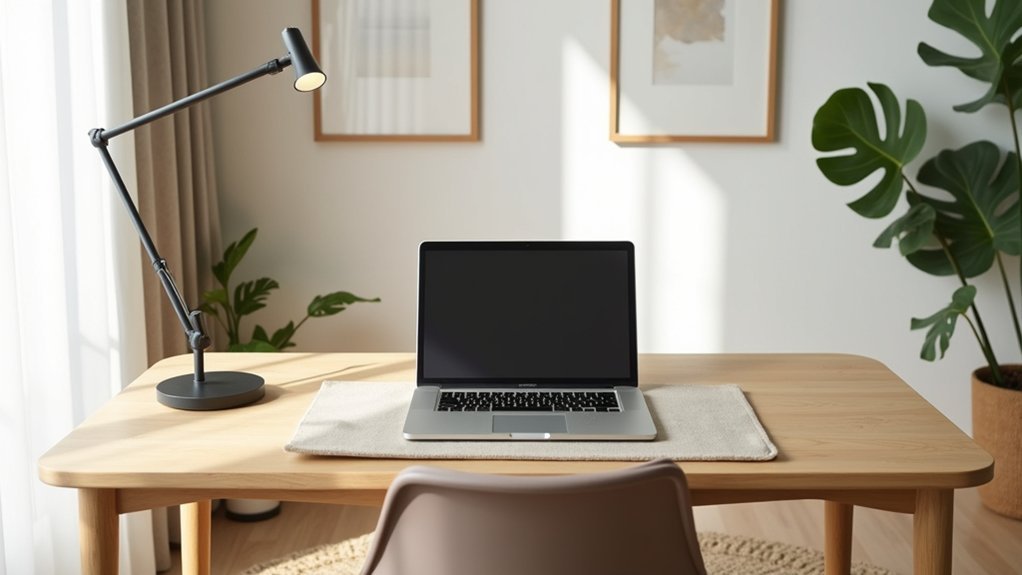
You step into a room where warm white walls, a matte desk surface, and a muted blue accent keep your eyes steady and your mind quiet. You’ll place your desk perpendicular to the window to cut glare, and you’ll sit with the door in view to reduce background vigilance. You’ll layer ambient light with a focused task lamp and soft indirect fill, then limit decor to one plant and one framed print. Next, you’ll tackle the choices that make this setup hold up all day.
Plan Your Home Office Layout for Focus
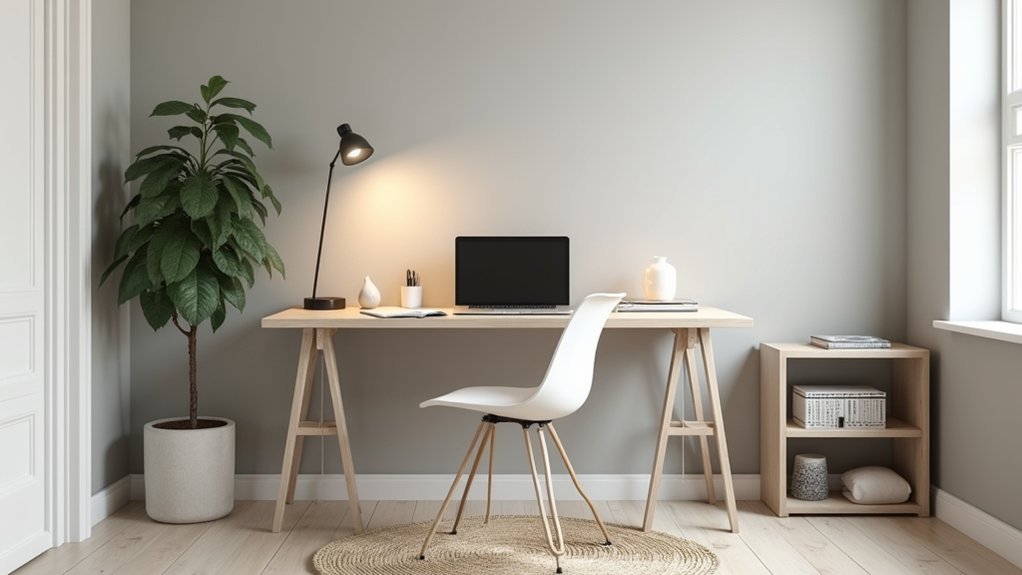
Although you can decorate later, start by planning a layout that protects your focus. Begin with desk placement: face the door if possible, or keep it in your peripheral view so you’re not startled by movement. Avoid putting your desk in a main traffic path; you’ll reduce interruptions and chair shuffling.
Use window proximity strategically—sit perpendicular to the window to keep outdoor motion from pulling attention while still benefiting from the view. Leave at least 36 inches behind your chair for clean entry and exit.
Put frequently used tools within arm’s reach and store everything else behind you, out of sight. Route cables along a wall and under the desk so your feet stay clear and your mind stays on work.
Choose Lighting That Keeps Your Home Office Calm
If you want your home office to feel steady rather than overstimulating, choose lighting that supports alertness without glare or harsh contrast. Start with Ambient illumination: a dimmable ceiling fixture or shaded floor lamp that spreads light evenly, reducing hard shadows on walls and screens.
Aim for warm-neutral bulbs (around 3000–3500K) to keep the room calm while still clear for work.
Add Task lighting where you read or write: a desk lamp with an adjustable arm and a diffused shade. Position it to the side of your dominant hand to prevent shadows, and angle it away from your monitor to avoid reflections.
Use consistent color temperature across fixtures, and add indirect light (like wall-wash or bias lighting) to soften visual gradations.
Set Up Ergonomic Comfort for Long Workdays
Once your lighting feels even and glare-free, set up your desk so your body stays relaxed through long stretches of focused work.
Start with chair height: keep feet flat, knees near 90 degrees, and hips slightly higher than knees. Choose ergonomic chairs with firm lumbar support, a seat pan that doesn’t press behind your knees, and adjustable armrests that let your shoulders drop.
Pair that with adjustable desks so your elbows rest at about 90 degrees and your wrists stay neutral while typing.
Place your monitor an arm’s length away, with the top third of the screen at eye level.
Keep your mouse close to avoid reaching, and angle your keyboard so your forearms stay parallel to the floor.
Reset posture every hour, standing or stretching briefly.
Use Storage to Keep Your Home Office Clutter-Free
When you give every item a defined home, your desk stays clear and your focus doesn’t get hijacked by visual clutter. Start by zoning storage: daily-use tools within arm’s reach, weekly items in a drawer, and archives off-desk.
Use drawer dividers for pens, chargers, and adapters so they don’t migrate. Add a small tray for “inbox” papers and empty it at day’s end. Choose a file box for active projects and label it by deadline.
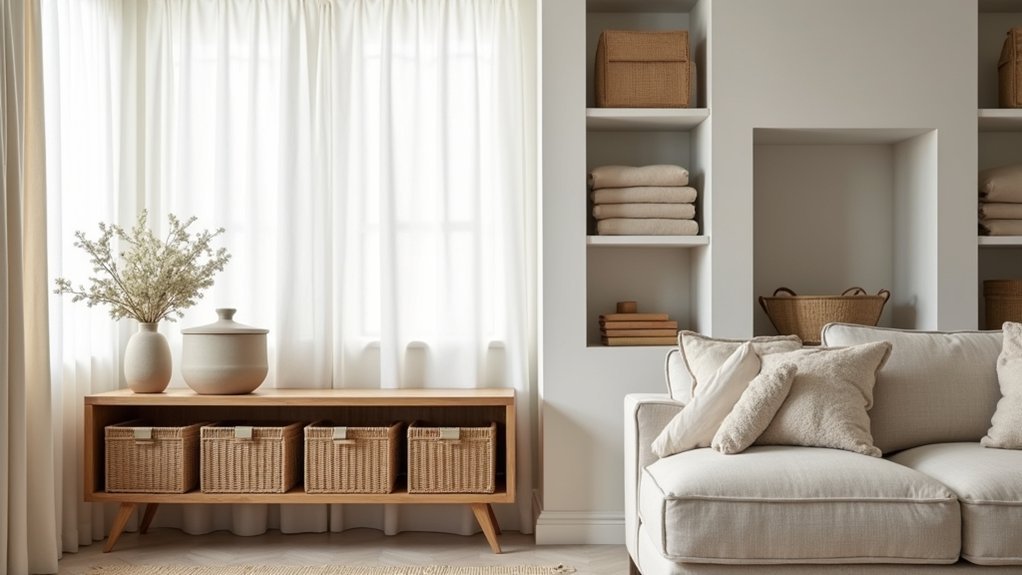
For tech, route cords into hidden compartments or a cable box to keep surfaces clean. Place decorative baskets near your workstation for soft goods like headphones, notebooks, or mail, and set a weekly reset to keep everything in its place.
Style Your Home Office With Quiet Color and Decor
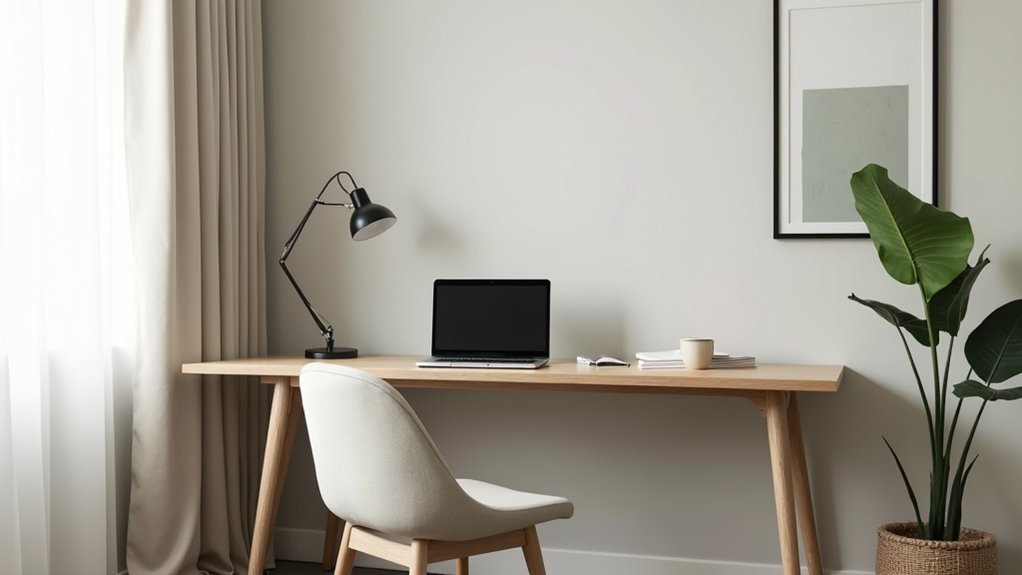
A clutter-free setup gives you the clean backdrop you need to make style choices that support focus. Use color psychology to set the room’s “volume”: soft neutrals and warm whites keep glare low, while muted blues or greens cue calm attention.
Limit your palette to two main tones plus one restrained accent, and repeat it in textiles, storage, and art for visual order. Choose matte finishes to reduce reflections on screens and walls.
Keep decor intentional. Add decorative accents that earn their space: a single framed print, a small plant, and one textured object (ceramic, wood, linen) for warmth. Avoid busy patterns near your monitor.
Use warm, dimmable task lighting and hide cords so the quiet look stays consistent.
Frequently Asked Questions
How Can I Soundproof My Home Office Without Major Renovations?
You can cut perceived noise up to 50% by sealing air gaps first. Add door sweeps, weatherstripping, and rugs. Mount acoustic panels at reflection points, and hang soundproof curtains over windows and doors for quick reduction.
What’s the Best Way to Improve Wi‑Fi Reliability in a Home Office?
Place your router centrally, elevate it, and switch to a clear 5GHz or 6GHz channel to extend Wi Fi range. Add mesh nodes or signal boosters, update firmware, and wire critical devices via Ethernet.
How Do I Choose a Desk and Chair for a Small Shared Space?
Choose a shallow desk with built-in storage and a compact footprint; prioritize space saving furniture you can tuck away. Pick ergonomic seating with adjustable height, lumbar support, and armrests; add casters to reposition quickly.
Which Houseplants Boost Focus Without Triggering Allergies?
Choose low-allergen options like snake plant, ZZ plant, and pothos; they’re reliable air purifying plants that won’t dump pollen. You’ll get low maintenance greenery by wiping leaves, avoiding overwatering, and using sterile potting mix.
How Can I Create a Professional Background for Video Calls?
Frame, light, simplify: position your camera at eye level, face a window or add professional lighting at 45°, and keep background decor minimal—neutral wall, one plant, tidy shelf. You’ll look polished.